Creating a productive home office workspace is essential for anyone working remotely or managing tasks from home. A well-designed workspace can improve focus, reduce distractions, and make your workday more enjoyable. Whether you have a dedicated room or just a corner of a room, these tips will help you craft an efficient and comfortable home office.
Choose the Right Location
Consider Natural Light
Select a spot in your home that gets plenty of natural light. Natural light can boost mood and energy levels, making it easier to stay alert during work hours. If natural light isn’t available, invest in good quality lighting that mimics daylight.
Minimize Distractions
Pick a quiet area away from household noise and high traffic zones. If space is limited, consider using noise-canceling headphones or white noise machines to help maintain concentration.
Invest in Ergonomic Furniture
Comfortable Chair
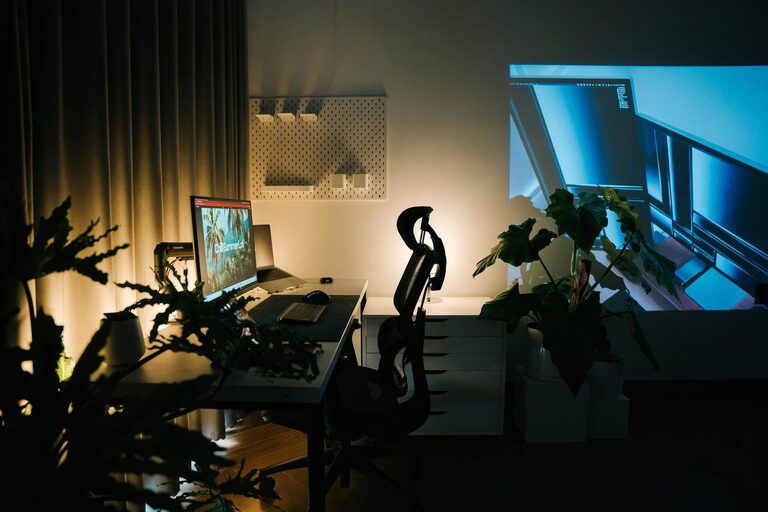
A supportive chair is crucial to prevent back and neck pain during long hours of work. Look for adjustable chairs that offer lumbar support and encourage good posture.
Functional Desk
Choose a desk that fits your space and meets your work needs. A spacious desk helps keep your materials organized and reduces clutter.
Organize Your Workspace
Declutter Regularly
A tidy workspace boosts focus and reduces stress. Clear away unnecessary items at the end of each day to maintain a clean environment.
Use Storage Solutions
Shelves, drawers, and organizers help keep supplies within reach and prevent mess. Label storage containers to quickly find what you need.
Set Up Technology Efficiently
Reliable Internet Connection
Ensure your home office has a strong and stable internet connection to support video calls, file sharing, and online research without interruption.
Cable Management
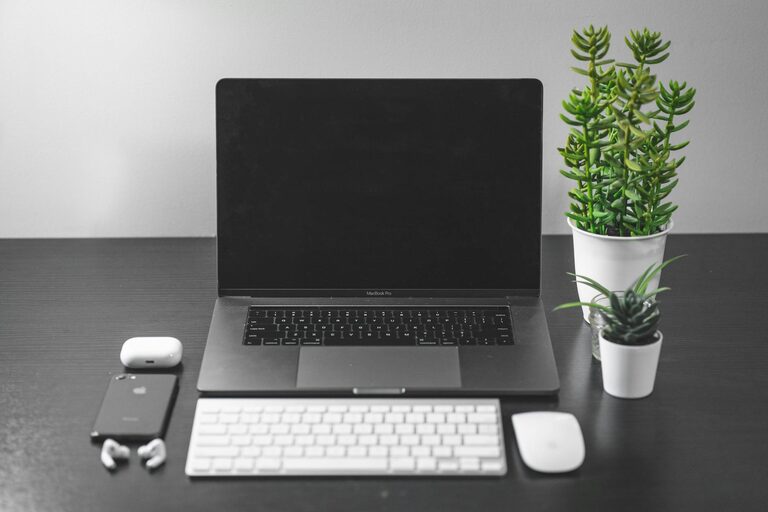
Organize cords and cables using clips, ties, or cable boxes to avoid a tangled mess. A neat setup reduces distractions and potential hazards.
Personalize Your Space
Add Inspiring Elements
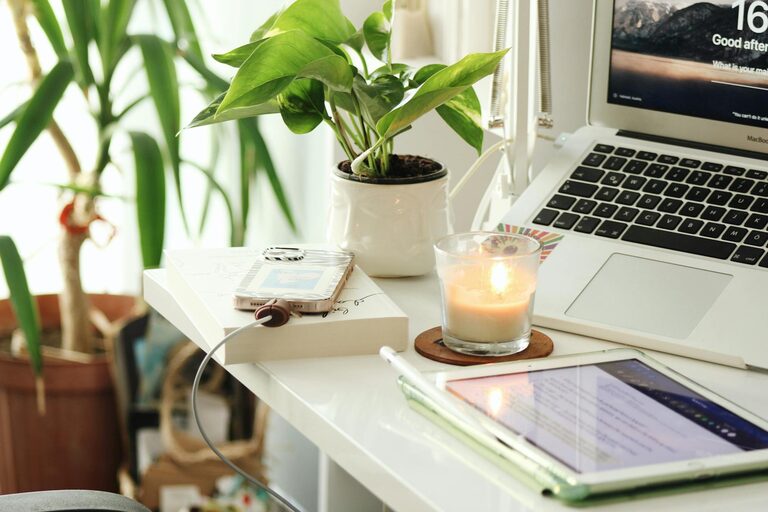
Incorporate artwork, plants, or motivational quotes that encourage creativity and positivity in your workspace.
Maintain a Comfortable Temperature
Adjust the room temperature to a comfortable level to stay focused and avoid discomfort.
Establish a Routine
Set Work Hours
Define clear start and finish times to create a boundary between work and personal life. Consistency helps your brain get into “work mode.”
Take Breaks
Schedule short breaks throughout the day to stretch, hydrate, and refresh your mind. This can improve productivity and reduce fatigue.
Manage Noise and Privacy
Soundproof Your Office
Use rugs, curtains, or soundproof panels to reduce noise. Consider a door sign to notify family members when you are in a meeting or need quiet.
Use Headphones
Noise-canceling or comfortable headphones can help create a private sound environment, especially in shared spaces.
Maintain Good Lighting
Combine Ambient and Task Lighting
Use a combination of overhead lighting and desk lamps to avoid eye strain. Adjustable lamps allow you to focus light where you need it most.
Avoid Glare
Position your computer and light sources to minimize screen glare, which can cause discomfort and reduce productivity.
Keep Essentials Handy
Stock Supplies
Keep frequently used items like notebooks, pens, chargers, and snacks within easy reach to avoid unnecessary interruptions.
Use a Planner or Digital App
Track tasks and appointments to stay organized and manage your workload effectively.
—
Designing a productive home office involves thoughtful planning and attention to comfort, organization, and functionality. By creating an environment tailored to your needs, you’ll find it easier to concentrate, complete tasks efficiently, and enjoy your work-from-home experience.